SmartPhone Directions

Adding Elite to your Smart Phone's Home Screen

Follow these steps to add a short cut to your Smart Phone’s home Screen.

Step 1

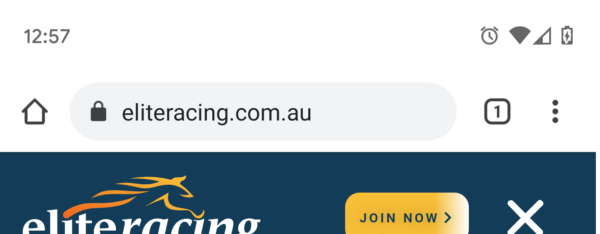
Open eliteracing.com.au in your Browser

Step 2

Choose Menu, then “Add to Home screen”

, SmartPhone Directions

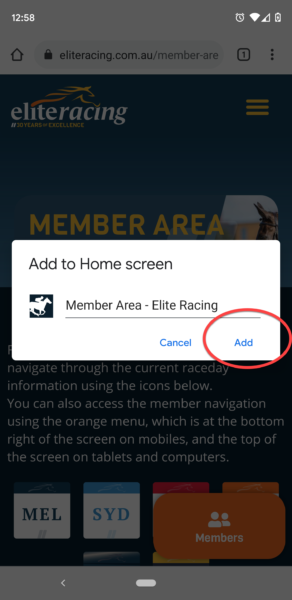
Step 3

Click “Add”

, SmartPhone Directions

Get Free Weekly Tips

Sign up free! Every week you’ll get:

"*" indicates required fields

This field is for validation purposes and should be left unchanged.
How often do you bet?
Where do you mainly bet?
How many tips preferred per raceday
Enable Notifications OK No thanks