Facebook Pixel

SmartPhone Directions

Adding Elite to your Smart Phone's Home Screen

Follow these steps to add a short cut to your Smart Phone’s home Screen.

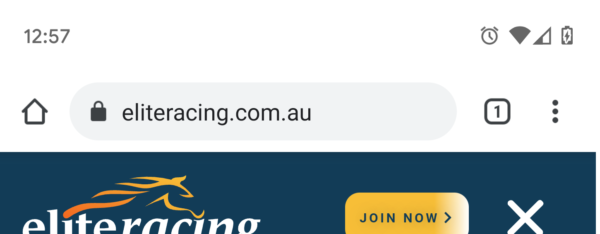
Step 1

Open eliteracing.com.au in your Browser

Step 2

Choose Menu, then “Add to Home screen”

, SmartPhone Directions

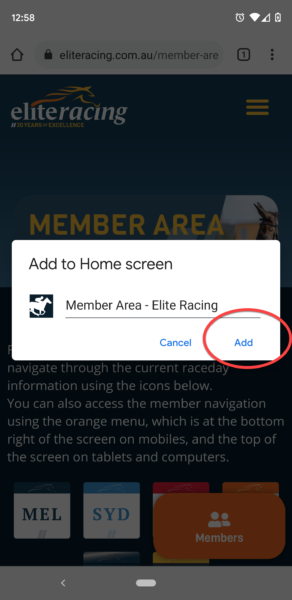
Step 3

Click “Add”

, SmartPhone Directions

Get Free Weekly Tips

Sign up free! Every week you’ll get:

"*" indicates required fields

This field is for validation purposes and should be left unchanged.